A remote-work setup in Tulum: plan the room first
Measure the room, check the screen connection and plan the equipment handover before agreeing a Tulum rental.
By Oficina. Reviewed November 14, 2026.
Start with an indoor workspace photo
Before choosing equipment for Tulum, ask your host for a photo of the exact place you will work. Identify the surface, seat, nearby outlets and room around them. A listing photo of the whole room may hide the details you need. If the proposed area is open to the weather, ask where the equipment can be used and kept securely; do not assume an indoor item is suitable for that space.
Measure the setup you intend to use
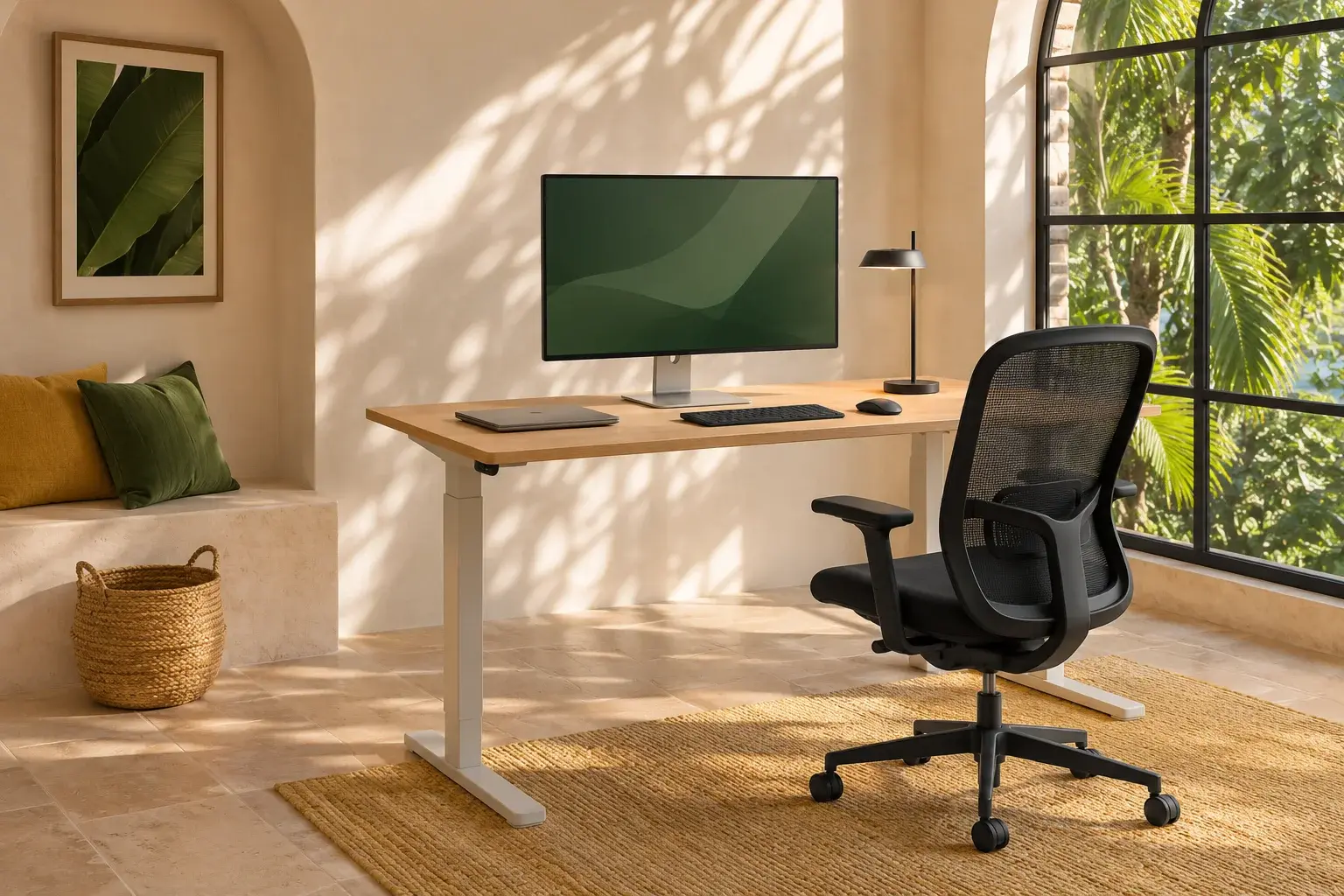
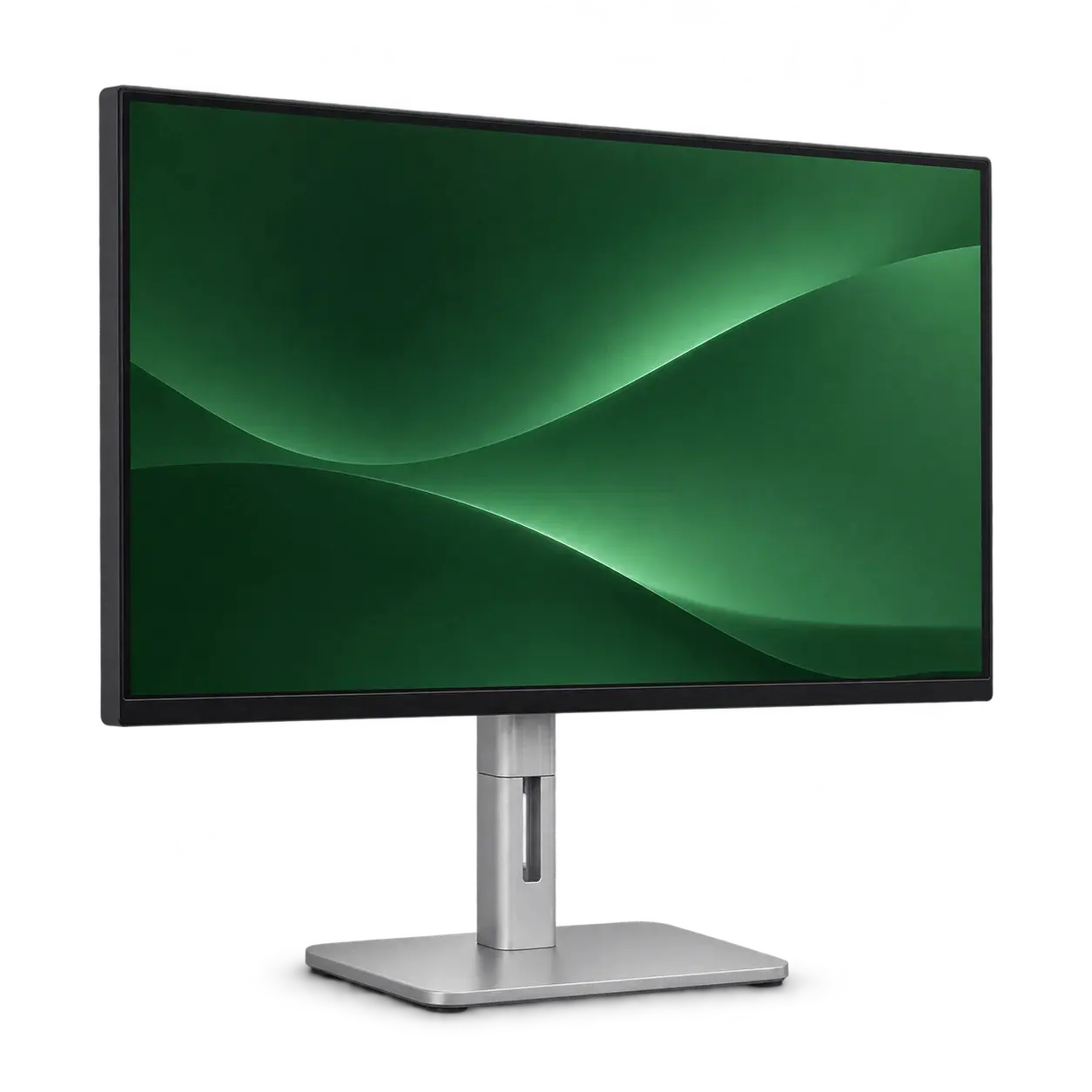
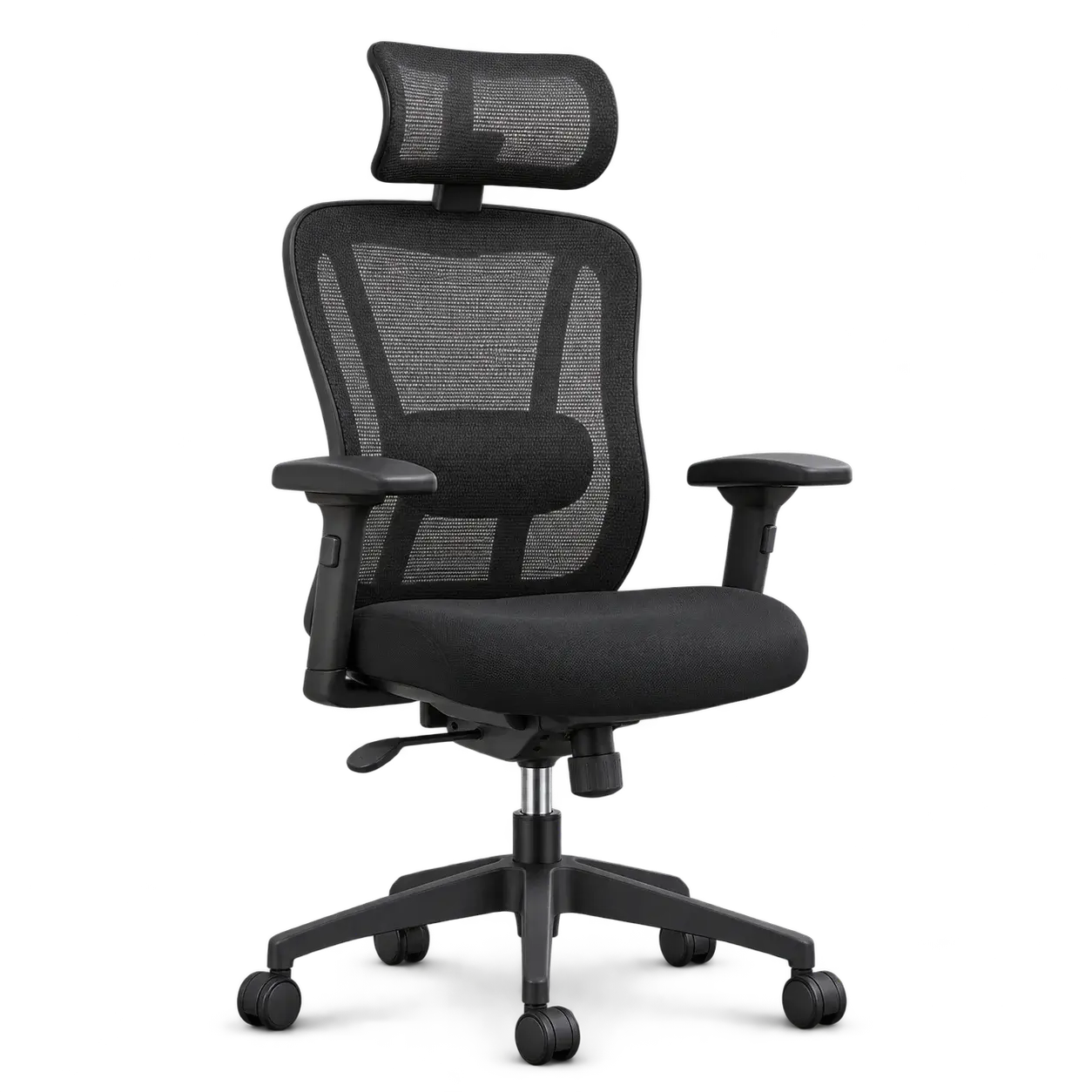
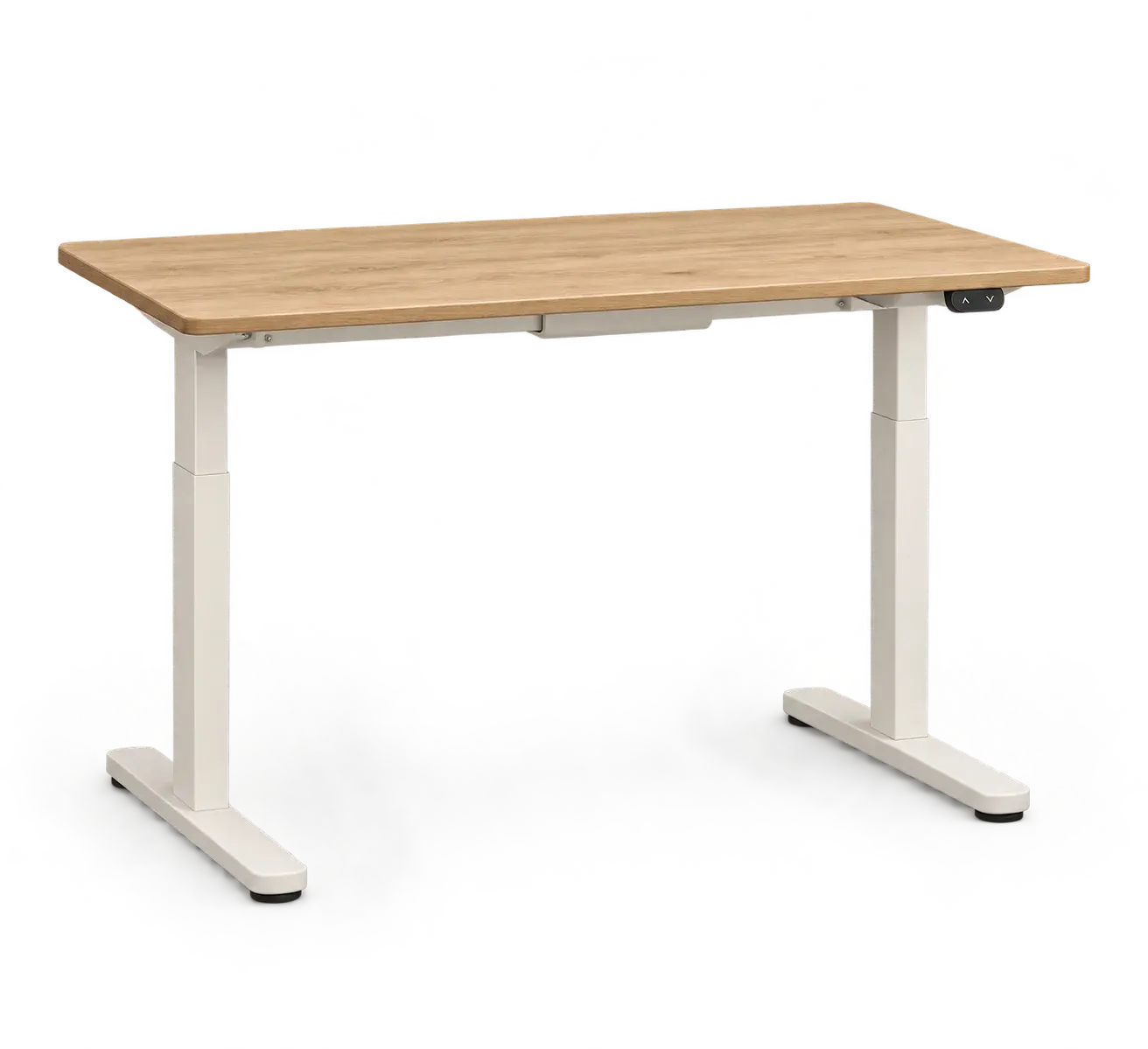
Note the usable table width and depth, then place the laptop and keyboard where you expect to use them. Ask for the available monitor’s full dimensions, including its stand. For a chair, compare the actual seat and armrest adjustments with the table. For a separate desk, include chair movement and access through the room. There is no need to choose every item at once.
Match the laptop and screen before arrival
Send the laptop model and a photo of its ports with a monitor inquiry. Ask which screen, video cable and adapter are proposed, and confirm the combination rather than relying on a connector’s appearance. For a Mac, Apple’s model specifications also determine the supported external-display arrangement. Save the agreed details so they can be checked when equipment is handed over.
Make the accommodation easy to identify
Share the full property name, address and entrance information. Ask the host whether a person can receive rental equipment, whether you need to be present and whether there is a practical route for a chair or desk. These are questions for your actual accommodation, not a promise of delivery coverage throughout Tulum. The local contact confirms the address and arrangements.
Arrange the end of the stay at the beginning
Include your rental dates and accommodation checkout time in the inquiry. Ask how collection would be coordinated if your travel plans change or you leave early. A possible extension is a request, not an automatic entitlement: it depends on the item’s future availability and the agreed terms. Keep delivery and return instructions together.
Request one complete written quote
Oficina accepts Tulum inquiries for monitors, chairs, desks, keyboards, cameras and projectors. Use the shortlist to explain what you need, then ask for the exact model, date availability, accessories and complete quote on WhatsApp. Confirm delivery and collection charges, any deposit and the change/return terms. A preview or a prepared message does not reserve equipment or take payment.